






Product Image

Added Daily Client Appointment Planner Digital Version to Your Cart

Daily Client Appointment Planner Digital Version

Original Price
$39.99 CAD

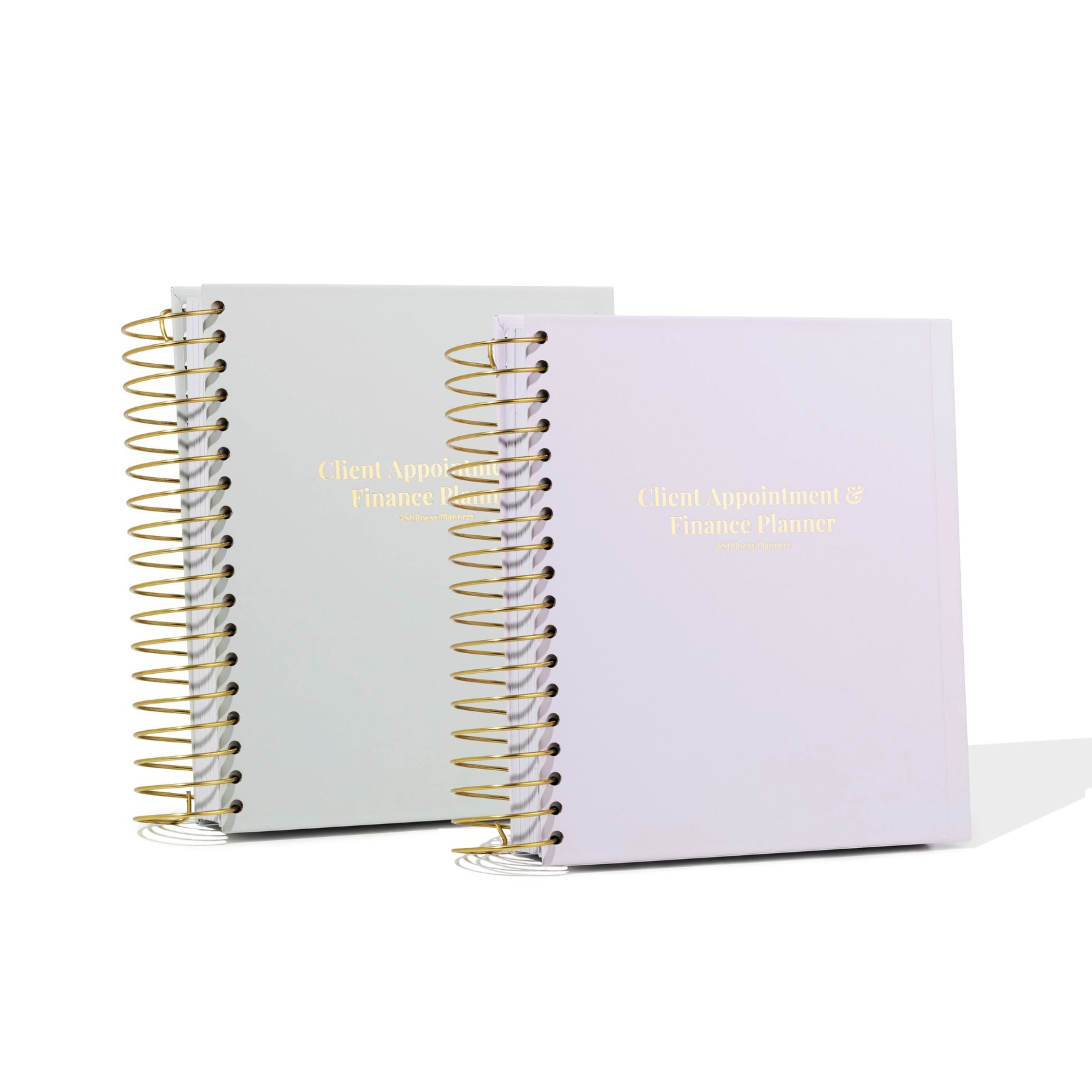
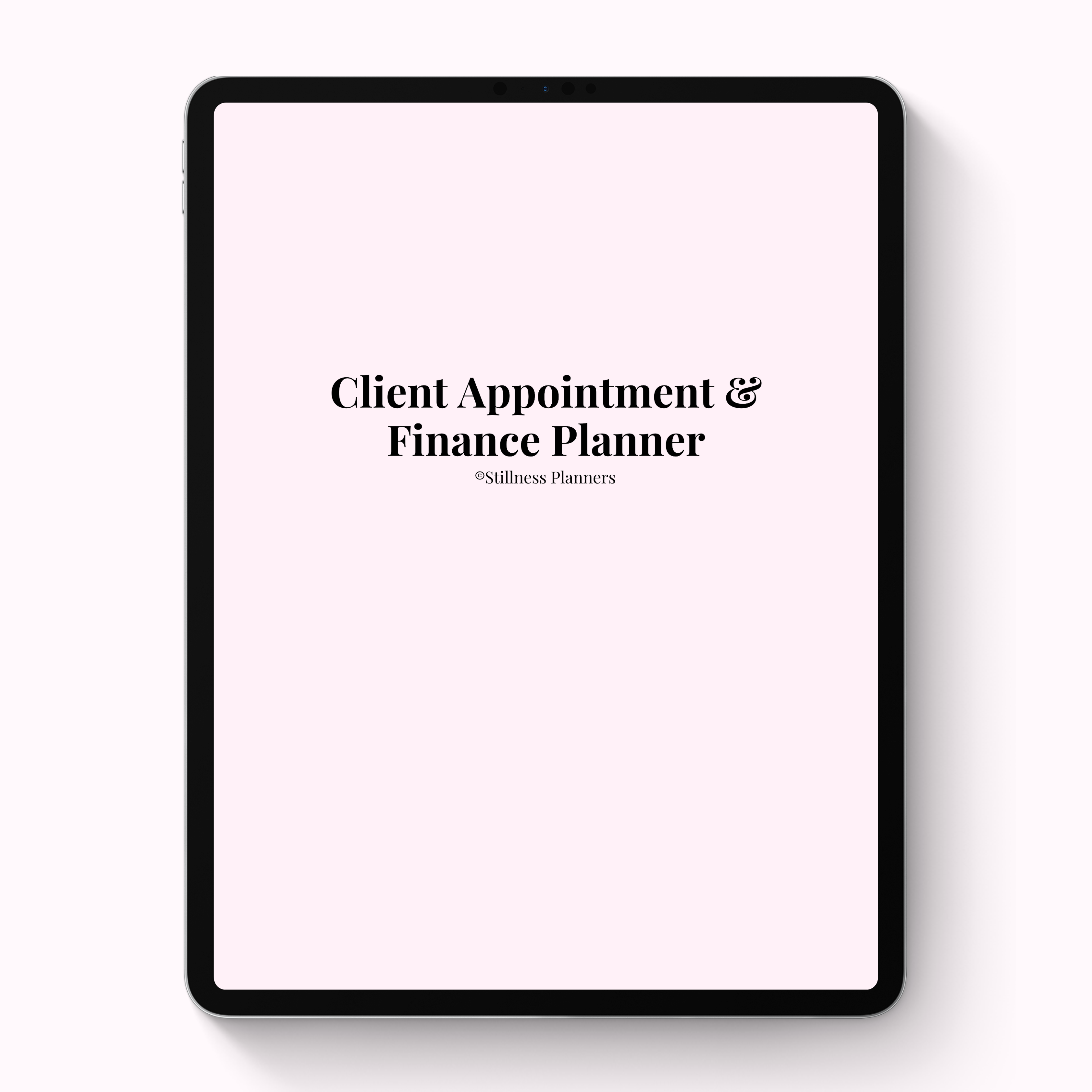
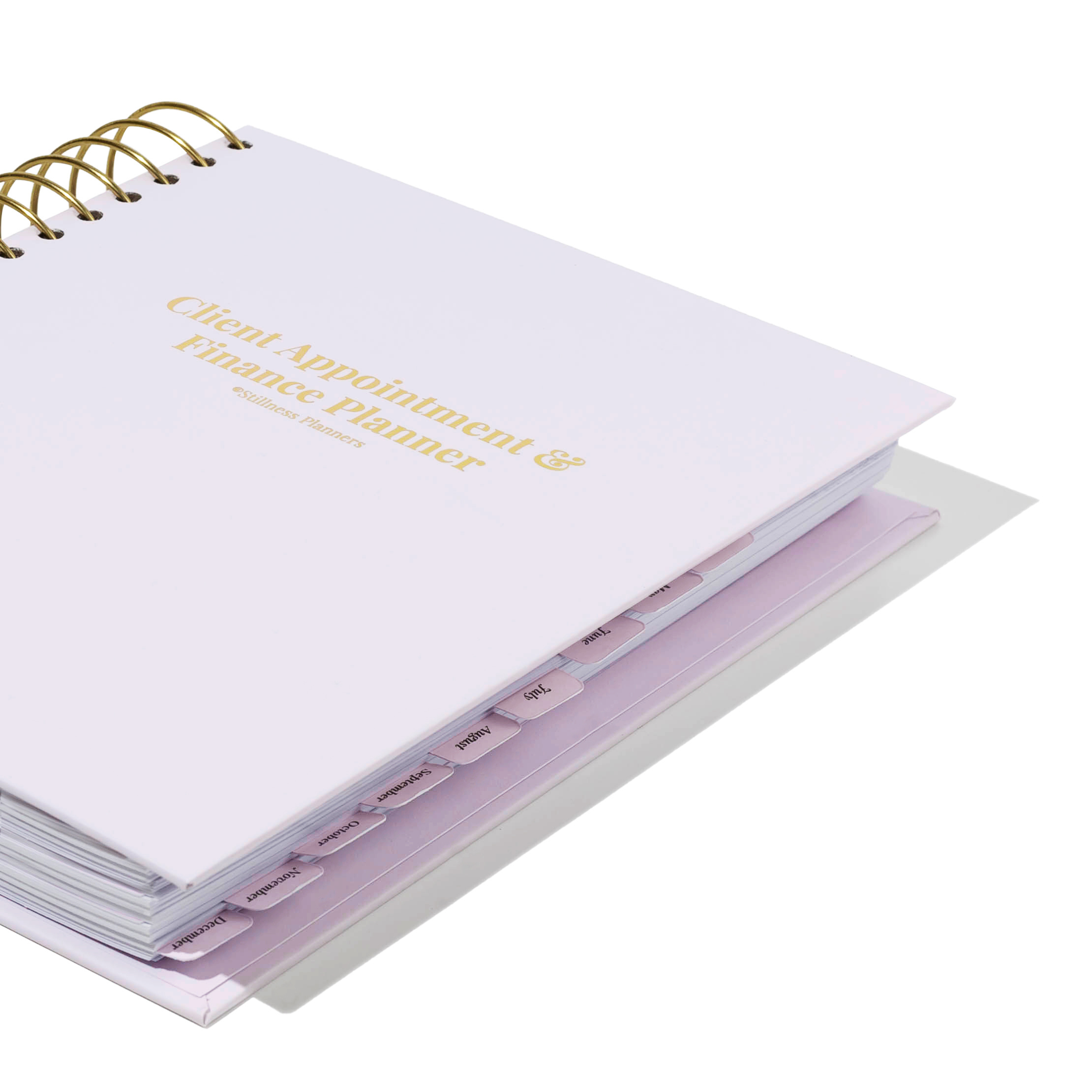
Welcome to the Daily Client Appointment Planner, created to help you keep all of your daily appointments organized in one place! Whether you’re a lash artist, nail technician, hairstylist, makeup artist, esthetician, personal trainer, or run any appointment based business, this planner was designed to make scheduling your clients simple, organized, and easy to manage. If you love keeping things organized digitally on your iPad, phone, desktop, or laptop, this planner is perfect for you! Prefer writing everything out by hand? We also offer a hard copy version of this planner. Read more about this planner below!

Only 99 available
BUY NOW, PAY LATER!

At checkout, choose Sezzle and split your entire purchase into 4 interest-free payments, with 0% interest.

Details

Daily Key Features


This planner is completely undated, so you can start using it at any time of the year and still get a full year’s use out of it. Simply choose the month you’re on, select the day of the month, and start scheduling your appointments for that day! Each month includes 31 daily scheduling pages with space for up to 15 appointments per day, along with areas to track appointment times, client names, service types, pricing, tips, and notes!


EXTRAS


Undated Design: One of the standout features of this planner is its undated format. This flexibility allows you to start using it at any time of the year without the pressure of wasted pages.


BONUS: You only have to purchase this planner once as it's undated, so you can reuse it every year!

What's Included

GIVE ME ALL THE DEETS!

  • 398 pages
  • Can buy once and reuse every year
  • This planner is compatible with GoodNotes, Notability, and Noteshelf. As well as your general Files
  • This digital planner can be used on an iPad, phone, desktop, or laptop
  • If you're using it with an iPad, you can write directly on the screen with your Apple Pencil. Alternatively, when using a phone, desktop, or laptop, you can add text in text boxes or use the marker tool.
  • Fully hyperlinked for smooth navigation
How it Works

FOLLOW THESE STEPS

Step 1: After your purchase, you'll get an email to access our Education Vault. Click the “CLICK HERE TO OPEN THE EDUCATION VAULT” button.


Step 2:
Click on the “Digital Daily Client Appointment planner.pdf” document.


Step 3:
Save the document to your files where you can now access it there and begin to use your planner.


Step 4:
If you don’t want to use the files app to use the planner, you can now open up the file within your preferred app and access it there. This digital planner is compatible with GoodNotes, Notability, Noteshelf, as well as your files app. This digital planner can also be used on an iPad, phone, laptop, or desktop.


TERMS & CONDITIONS

This file can be used for both personal and commercial purposes, but please refrain from forwarding, sharing, selling, or distributing the digital file. Unauthorized distribution or resale of the file may result in copyright violations.